Notification Templates
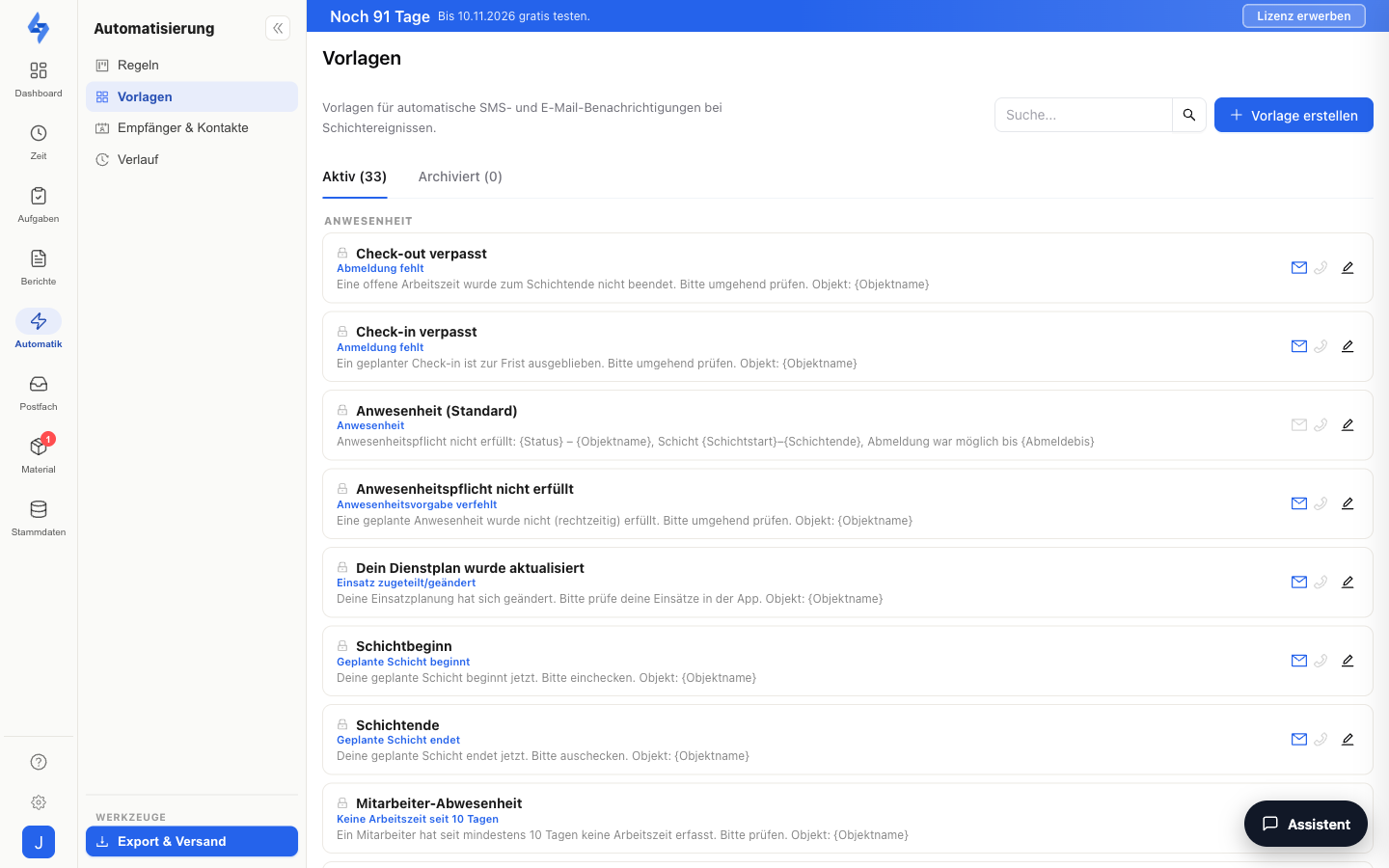
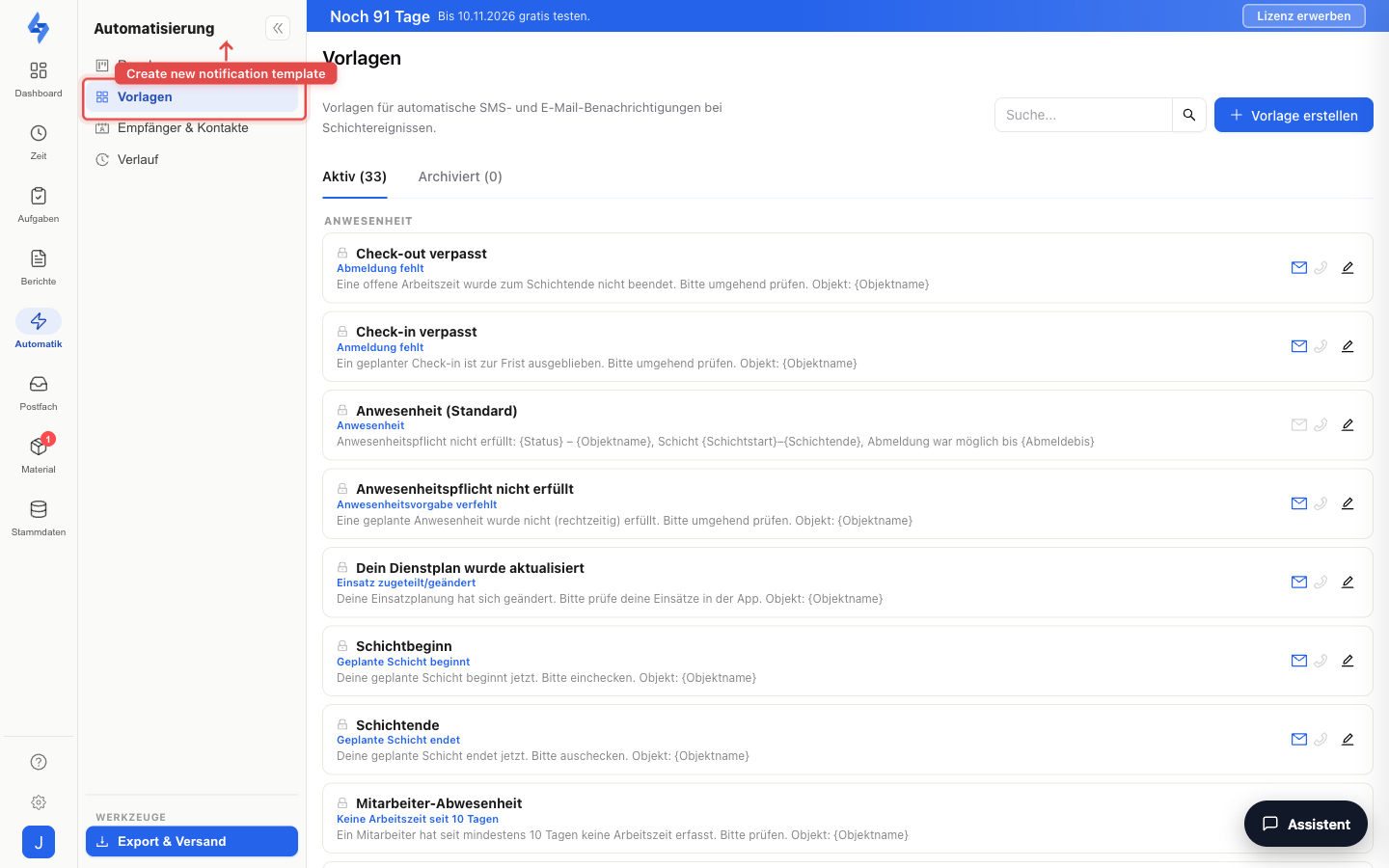
Templates determine the text of the notifications your rules send. You reach the page under Tools → Automation → Templates. Each template belongs to a trigger (e.g. "Patrol missed") and can contain placeholders that are automatically filled with the real values when sending.
Features Overview
Template List
The list shows all templates of your account, grouped by trigger. Use the search field to filter by name or content. For new accounts, a set of default templates for the most important triggers is created automatically.
Placeholders
In subject and body you can use placeholders that are available depending on the trigger. The template editor shows which placeholders are available for the selected trigger; if a value is missing when sending, the placeholder is replaced with empty text. The placeholder names themselves are German (e.g. {Objektname} = property name).
General: {Objektname} (name of the affected property) is available for every trigger with a property context — not for the sick-report triggers, which are tied to the person.
Rounds
| Trigger | Placeholders |
|---|---|
| Patrol missed / patrol completed | {Routenname} (route name) |
| Round starting soon | {Routenname}, {Vorlaufzeit} (lead time), {Startzeit} (start time) |
| Checkpoint missed | {Kontrollpunkt} (checkpoint), {Routenname} |
| Checkpoint scanned | {Kontrollpunkt}, {Mitarbeiter} (employee), {Zeitpunkt} (time) |
Incidents
| Trigger | Placeholders |
|---|---|
| Incident created | {Meldungstext} (incident text) |
| Incident classified | {Titel} (AI title), {Schweregrad} (severity), {Kategorie} (category) |
Forms
| Trigger | Placeholders |
|---|---|
| Form submitted / defect detected | {Kategorie} |
| Form score below threshold | {Kategorie}, {Punkte} (score %), {Schwelle} (threshold %) |
| Form signal | {Signaltyp} (signal type), {Kategorie} |
Attendance
| Trigger | Placeholders |
|---|---|
| Shift ended, check-in/check-out missing, attendance requirement failed, scheduled shift starts/ends | only {Objektname} |
| No work time for N days | {Mitarbeiter}, {AbwesendSeit} (absent since), {Tage} (days), {Rolle} (role) |
| Shift assigned/changed | {Schichtname} (shift name), {Datum} (date), {Startzeit} |
There is also the template type "Anwesenheit (Standard)" for the attendance monitoring alarm texts — with its own placeholder set: {Objektname}, {Schichtstart} (shift start), {Schichtende} (shift end), {Anmeldebis} (check-in by), {Abmeldebis} (check-out by), {Datum}, {Status}.
Safety
| Trigger | Placeholders |
|---|---|
| Proof-of-life (pre-alarm, main alarm, undeliverable) | only {Objektname} |
| SOS/emergency triggered | {Status} |
Tasks
| Trigger | Placeholders |
|---|---|
| Task completed | {Datum} |
| Task overdue | {Faelligkeit} (due date) |
| Task assigned / task due | {Aufgabe} (task title), {Faelligkeit} |
Service
| Trigger | Placeholders |
|---|---|
| Service level breached | {Zeitraum} (period start) |
Material
| Trigger | Placeholders |
|---|---|
| Material below minimum stock | {Artikel} (item), {Bestand} (stock), {Mindestbestand} (minimum stock), {Einheit} (unit) |
| Material request received | {Anforderer} (requester), {Positionen} (items), {Notiz} (note) |
| Material request decided | {Anforderer}, {Positionen}, {Entscheidung} (decision), {Grund} (rejection reason) |
| Material not returned after shift end | {Mitarbeiter}, {Anzahl} (unit count), {Exemplare} (serial numbers) |
Absences (no {Objektname})
| Trigger | Placeholders |
|---|---|
| Sick report received | {Mitarbeiter}, {Von} (from), {Bis} (to) |
| Sick report decided | {Mitarbeiter}, {Status} (decision), {Von}, {Bis} |
Multiple Templates per Trigger
You can create any number of templates for the same trigger — for example, a factual one for internal recipients and a more detailed one for the client. When building a rule, you choose in the editor which template the notification uses.
Default Template
Exactly one template per trigger is marked as the default. It applies whenever a rule has not selected its own template. Use the default toggle to make a different template the default.
Templates and batched sending (digest)
If an action in the workflow editor has batched sending enabled, the single-message template maintained here does not apply: instead of one message per event, a digest is built — from the line template (one line per event, with the trigger's placeholders) and the envelope (subject/body with {Liste}, {Anzahl}, and {Zeitraum}). You maintain both directly on the action card in the editor.
Good to Know
:::tip Note
- There is always one default template per trigger — this ensures that no notification is sent without text.
- This page has moved from Settings to the Automation area; old bookmarks redirect here automatically. :::
Permissions
:::info Permission To use this page, you need the View settings permission. Contact your administrator if you do not have access. :::