All Properties on the Map (Live Map)
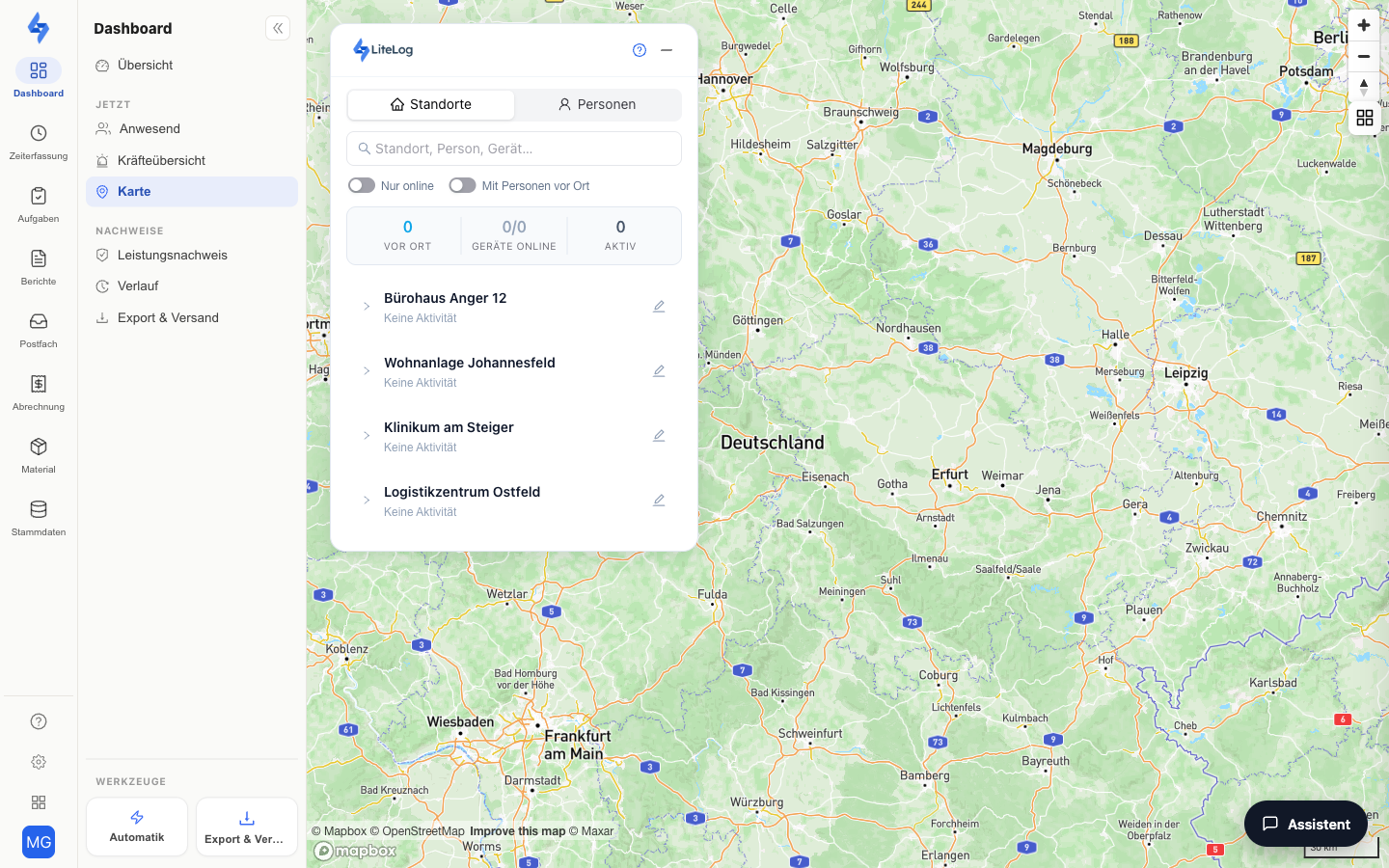
The live map (menu item Dashboard → Now → Map) shows you all properties and devices on a full-screen map. Device locations are updated in real time, so you can always see where your employees are on duty.
Features at a Glance
Map View
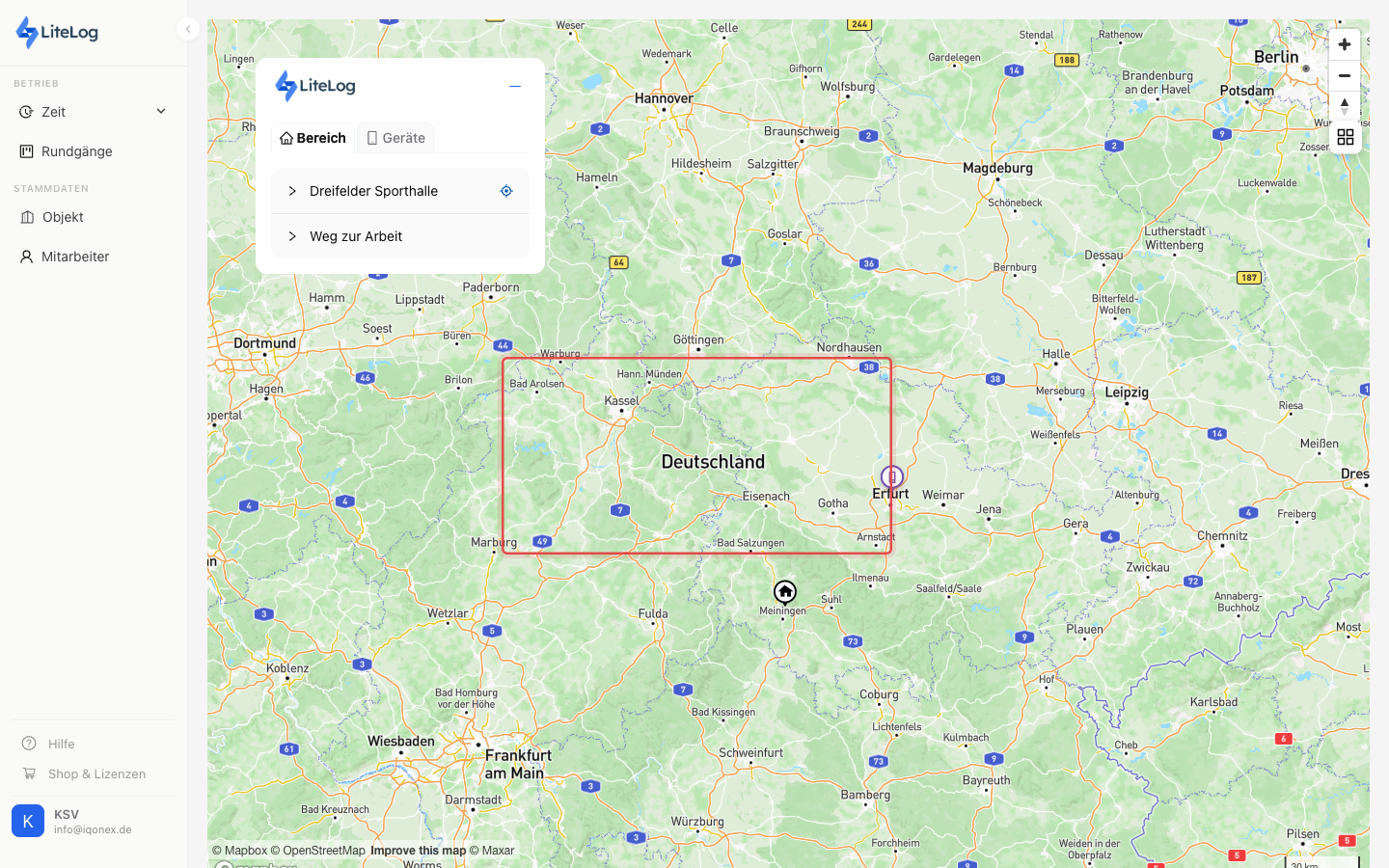
All property locations are displayed as polygons or points on the map — exactly as you drew them in the map wizard.
Real-Time Device Locations
The positions of mobile devices are updated automatically and shown live on the map. This is the current position — no GPS location history is stored.
Sidebar
In the sidebar, you switch between two views:
- Locations — the property tree with people on site, devices, and (with permission) checkpoints per property; a click flies the map to the location
- People — the checked-in people with their devices
A summary row at the top shows: people on site, devices online, active locations. Search and filters ("Online only", "With people on site") narrow both views.
Good to Know
:::tip Note
- For a device to appear on the map, GPS location must be enabled for the device (device management).
- You create or edit properties directly via the map wizard. :::
Permissions
:::info Permission To use this page, you need the permission View live map. Contact your administrator if you don't have access. :::
:::info Mobile App This feature is also available in the mobile app — with property markers, device locations, and a detail view; the property data is also available offline. :::