Tasks (Property)
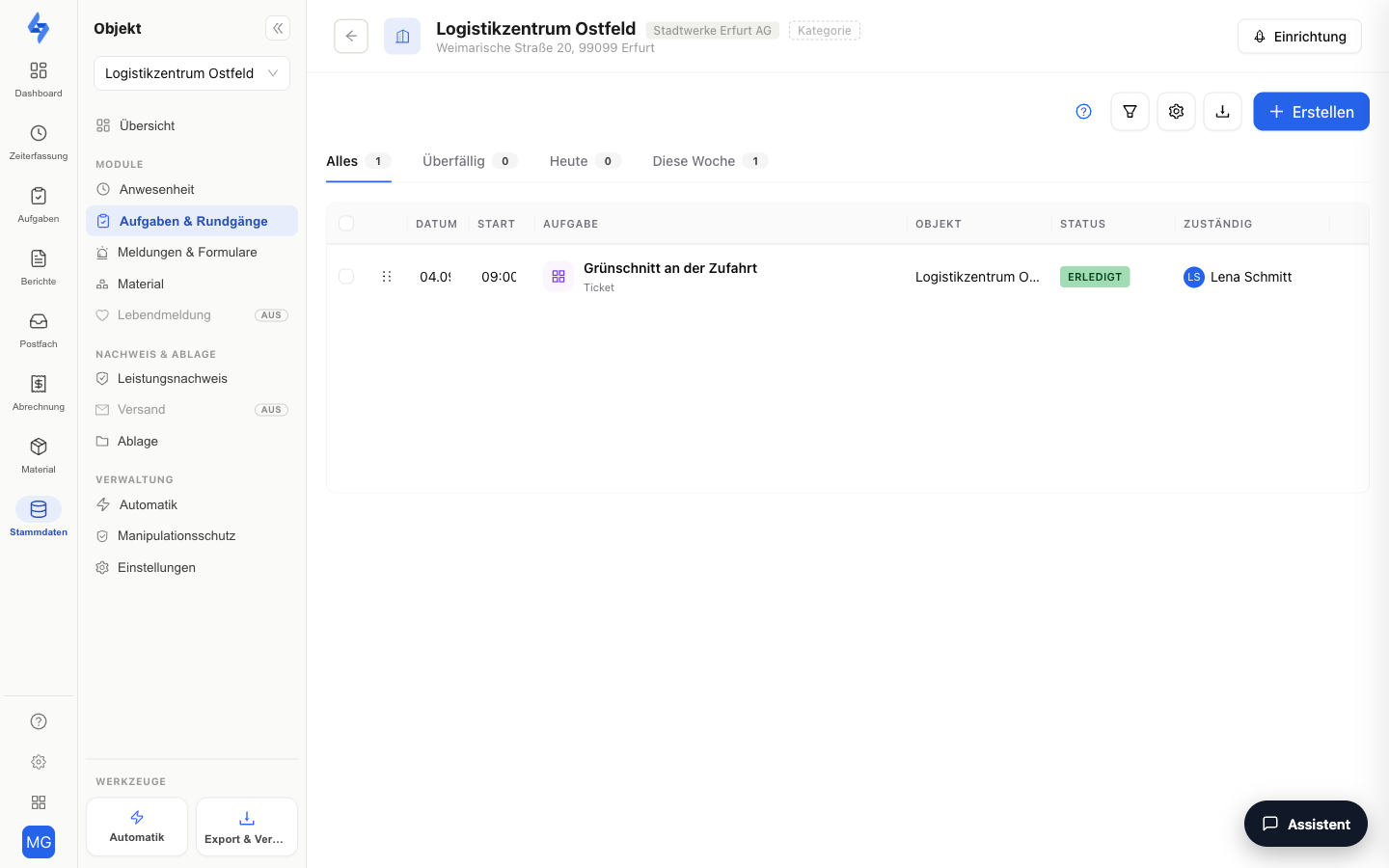
A property's tasks tab shows the "Setup" view — this property's round management with checkpoints, round templates, and configuration (details: Set Up Rounds).
The task list and the coverage report do not live in this tab but in the cross-property Tasks & Rounds workspace: there you filter by property via the left panel and use the List and Coverage views. The former board, calendar, and map views have been removed; old links lead to the list.
Navigation: Master Data → Properties → select a property → panel entry "Tasks & Rounds" (group "Features")
Features at a Glance
Setup
The "Setup" view bundles three building blocks:
| Building block | Content |
|---|---|
| Checkpoints | The property's stations, scanned via NFC tag, QR code, or beacon |
| Templates | Round schedules with time windows and checkpoint order, plus the property's recurring tasks (tasks with an active recurrence schedule) |
| Configuration | Property-wide rules: location check, automatic ending, active switch |
All details on these building blocks are covered in Set Up Rounds (Property).
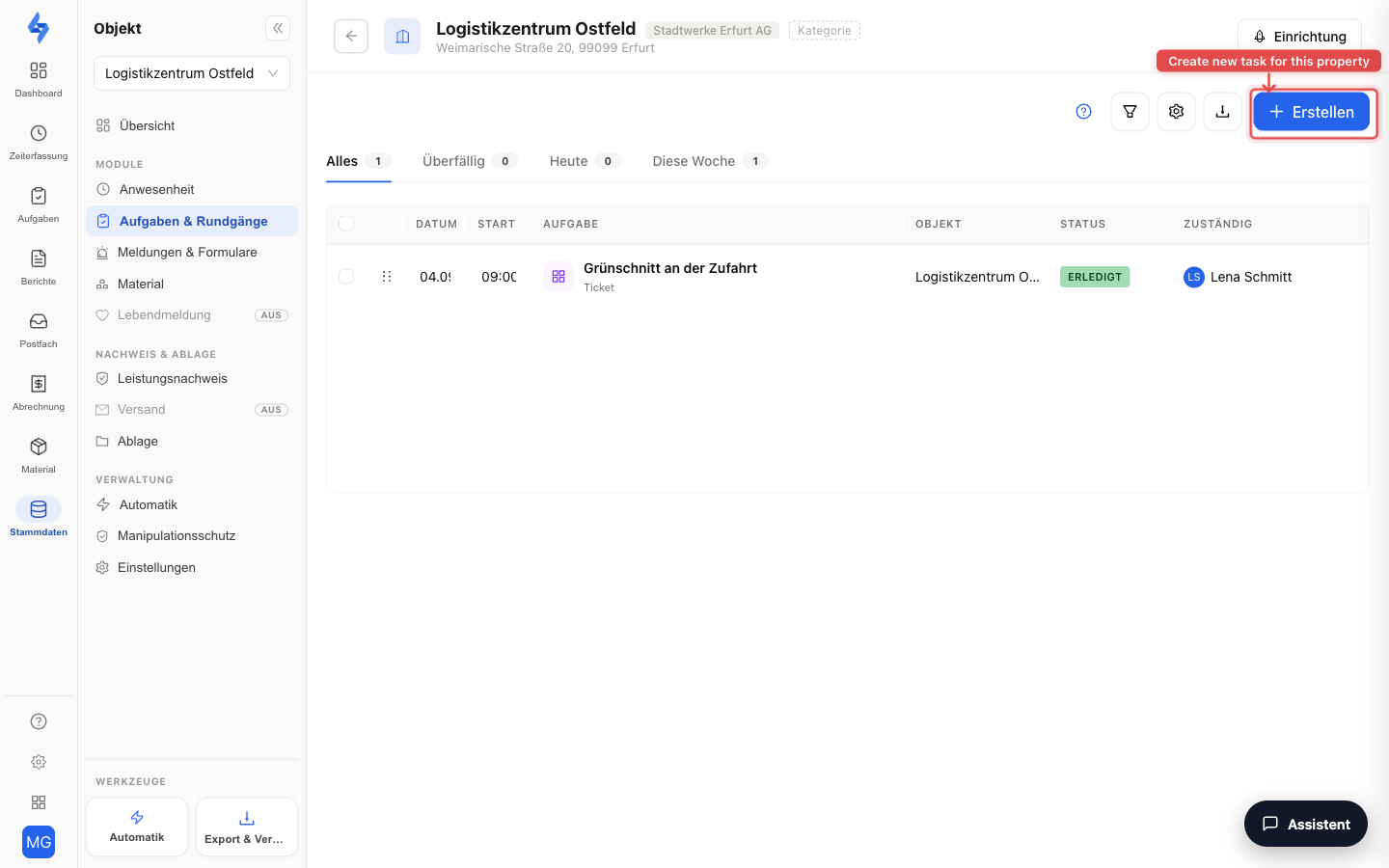
New Task
The "New task" button creates a task that is automatically assigned to this property.
New Round
The "New round" button jumps straight into this property's round wizard — basic data → schedule → checkpoints → done.
Good to Know
:::tip Note
- The former standalone "Rounds" tab lives on as the "Setup" view in this tab. Old links are automatically redirected there.
- You see this property's tasks and round logs in the main Tasks area — there with the property filter in the left panel; the coverage view shows which checkpoint scans were planned and actually happened. :::
Permissions
:::info Permission This tab opens with any of the permissions View tasks, View preset round settings, View round evaluation, View control points, or Edit properties. Contact your administrator if you don't have access. :::
| Action | Permission |
|---|---|
| Create tasks | Create tasks |
| Create checkpoints (setup) | Create control points |
| Create rounds (setup) | Create preset round settings |