Notifications
Notifications are every account's personal inbox: what happened recently, for you. Entries come from your automation rules — whenever a rule runs the In-app notification or Send push action.
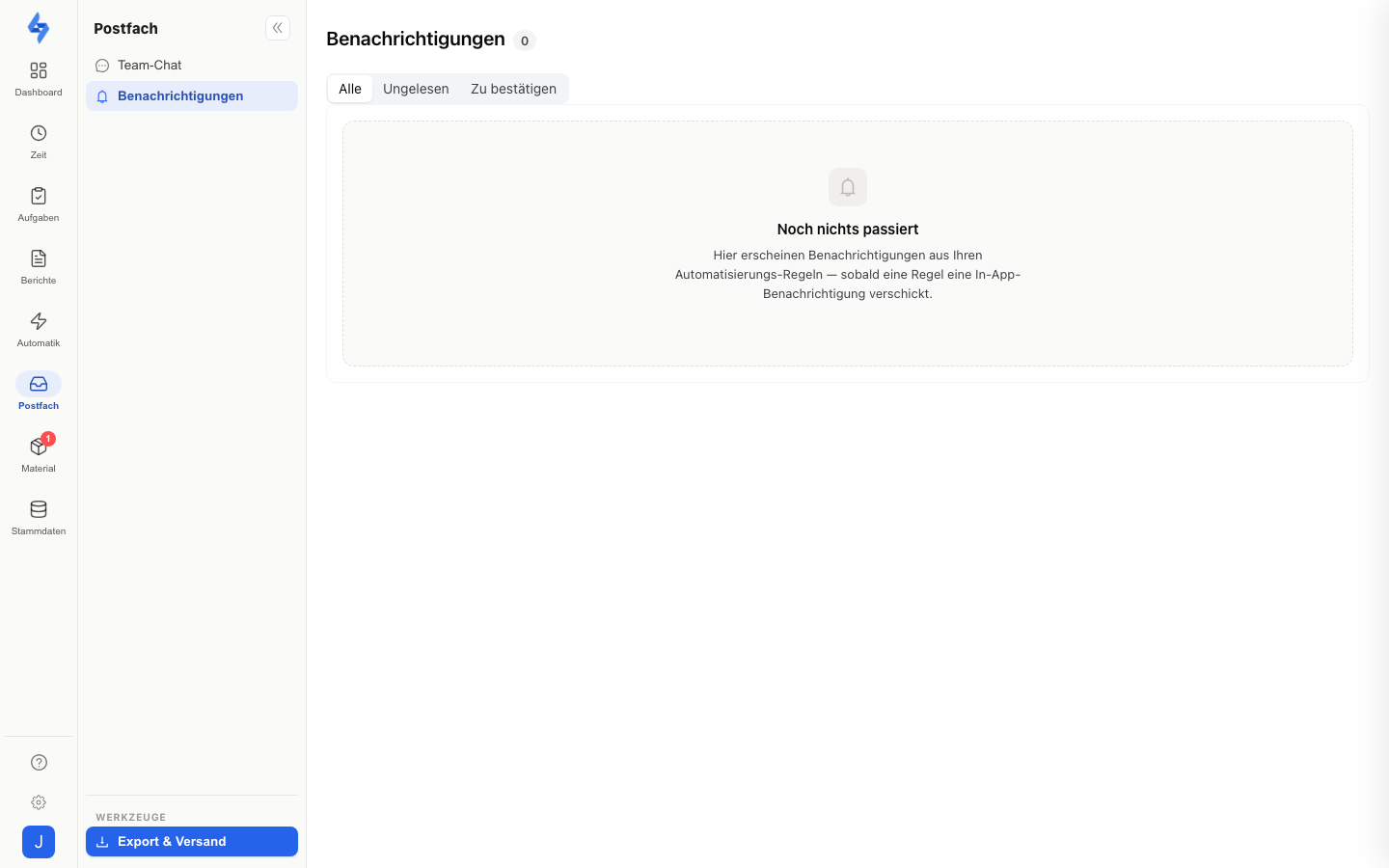
Navigation: Inbox rail item ("Postfach") → "Notifications"
Features
- Filters — the segments All, Unread, and To acknowledge (each with a counter) switch the list; the selection lives in the URL, so it is preserved when sharing the link.
- Opening = read — silent entries count as read when you open the page; notifications arriving in the meantime stay unread. There is also a Mark all as read button.
- To acknowledge — entries tagged Acknowledgement required are created when the automation rule has the "Acknowledgement required" checkbox set. They stay under "To acknowledge" until you confirm them via the Acknowledge button — merely opening the page is not enough. Afterwards the entry carries the Acknowledged tag.
- Acknowledging stops the escalation — if the entry points to an incident, a tour, or an attendance, the click also acknowledges the triggering event. A running escalation chain (e.g. "notify management after 30 minutes unless acknowledged") ends with it.
- Live updates — the list and the unread counter refresh automatically as soon as a new notification arrives.
Good to Know
:::tip Note
- In the app, you reach the same inbox via the bell in the header (next to the property selector); its badge shows the unread entries, and acknowledging works the same way there.
- The unread counter feeds the badge on the Postfach rail item — open acknowledgements are deliberately not counted; they have their own segment on the page.
- The inbox is account-scoped: everyone sees only their own notifications. Administrators find the tenant-wide overview of all rule executions in the rule history (Activity log, source "Rules"; menu item Settings → Notifications → History). :::
Permissions
:::info Permission This page requires no permission — every account has its own inbox. :::